Take a look at our
ThinkPads.com HOME PAGE
For those who might want to contribute to the blog, start here: Editors Alley Topic
Then contact Bill with a Private Message

QXGA vs. UXGA - several *very large* pictures warning

LARGE picture files allowed here. Those with slow connections, beware!!! do NOT go here on your PDA or Cell Phone!
Post Reply
Message
Author
ajkula66
SuperUserGeorge
SuperUserGeorge
Posts: 17339
Joined: Sun Feb 25, 2007 11:28 am
Location: Crepaja, Serbia

QXGA vs. UXGA - several *very large* pictures warning

#1 Post by ajkula66 » Mon Sep 03, 2012 9:29 pm

Being somewhat of a resolution addict myself, I find the ongoing requests for a HD+ resolution on 10-12" LCDs puzzling...while there most certainly are individuals whose eyesight is good enough for them to benefit from a DPI that high, I'd tend to believe that they are just a very vocal minority...

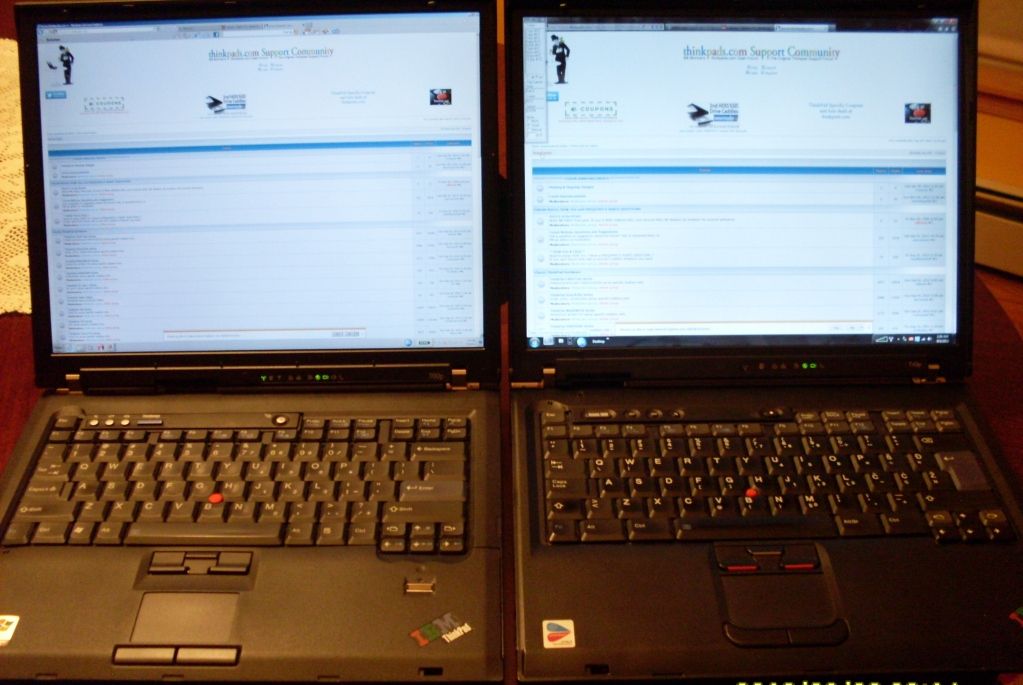
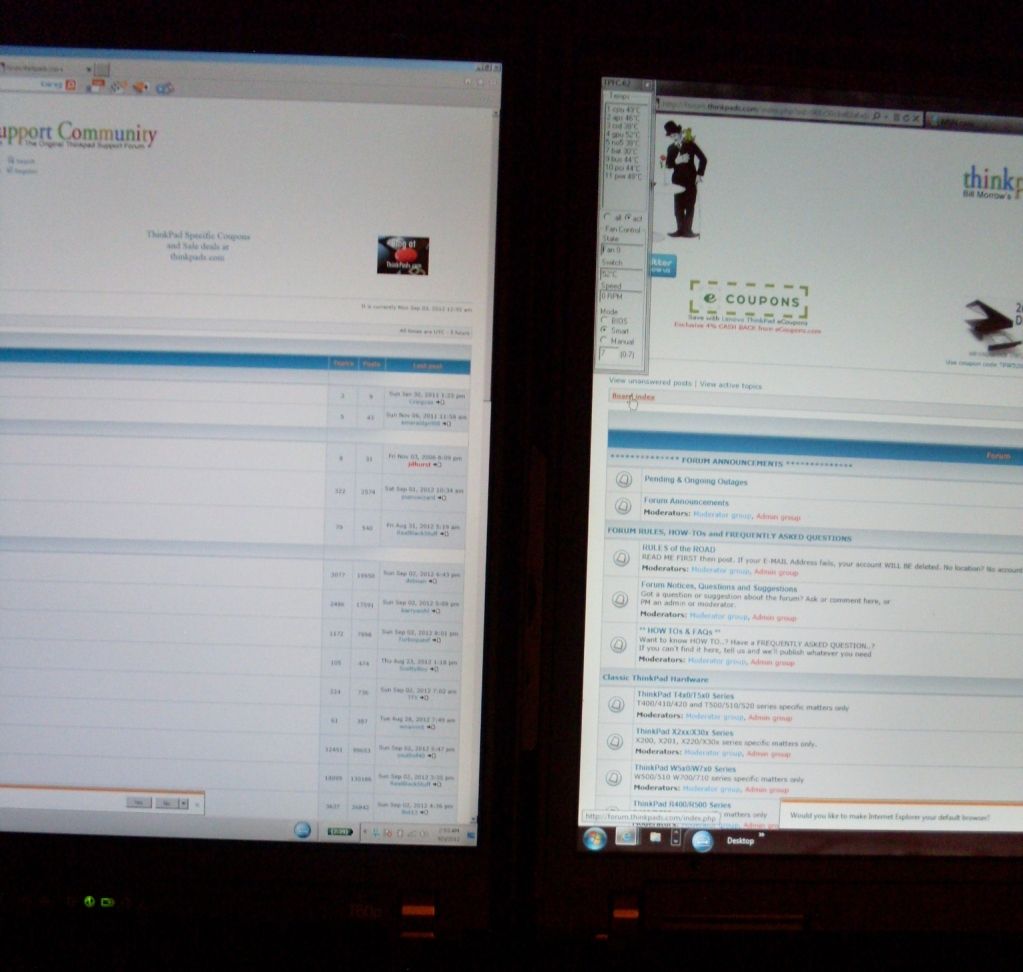
Right now, I have a rare opportunity to compare a QXGA FlexView FrankenPad (described here: http://forum.thinkpads.com/viewtopic.php?f=11&t=106015) side-by-side with my own SATA-modded T43p which sports its natural UXGA screen. For those of you not familiar with the machine, it's described in detail here:

http://forum.thinkpads.com/viewtopic.php?f=21&t=103941

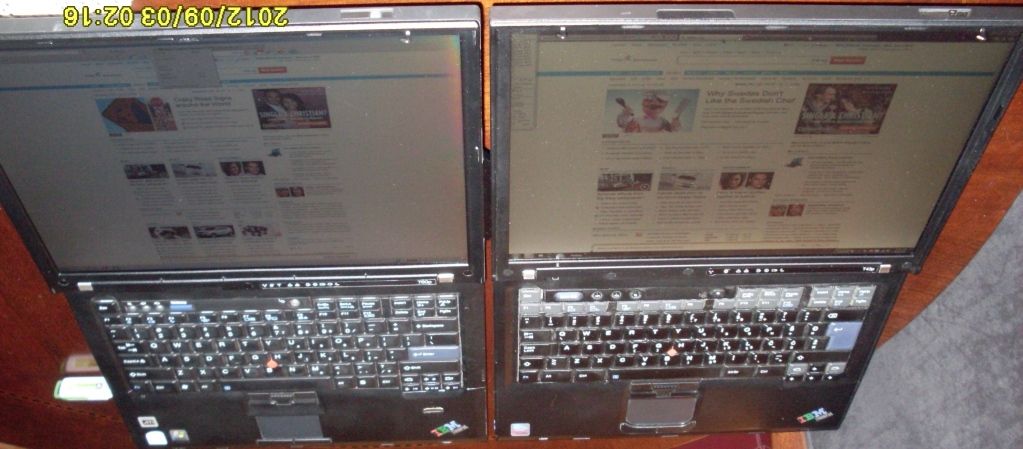
Both laptops pictured are running W7 Pro, 64-bit on the QXGA Frankie, and obviously 32-bit on the T43p.

I'll start by saying that I've been using UXGA on 15" ThinkPads for a decade now, and am extremely comfortable with it. QXGA on the panel of the same size would prove to be just a bit too much, if I had to use it 24/7/365 as my only machine. Nevertheless, it's quite fascinating...this is Control Panel (Small Icon setting)
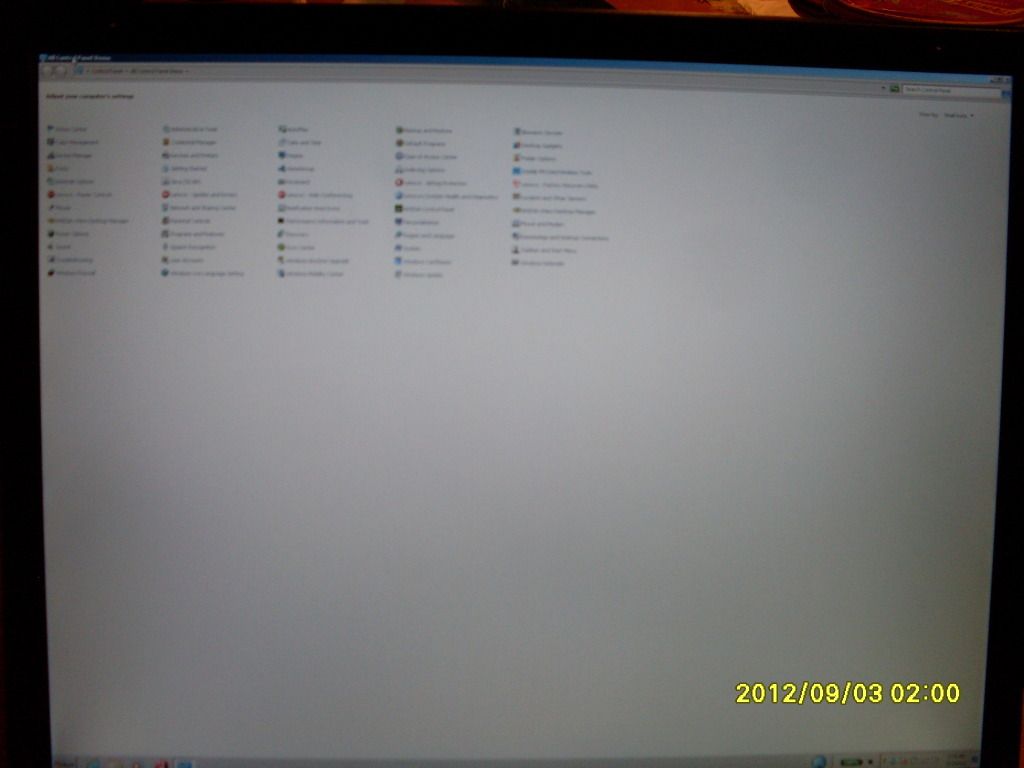
Image

The quality of the panel itself is downright stunning, which reduces eyestrain by a huge margin IMO:
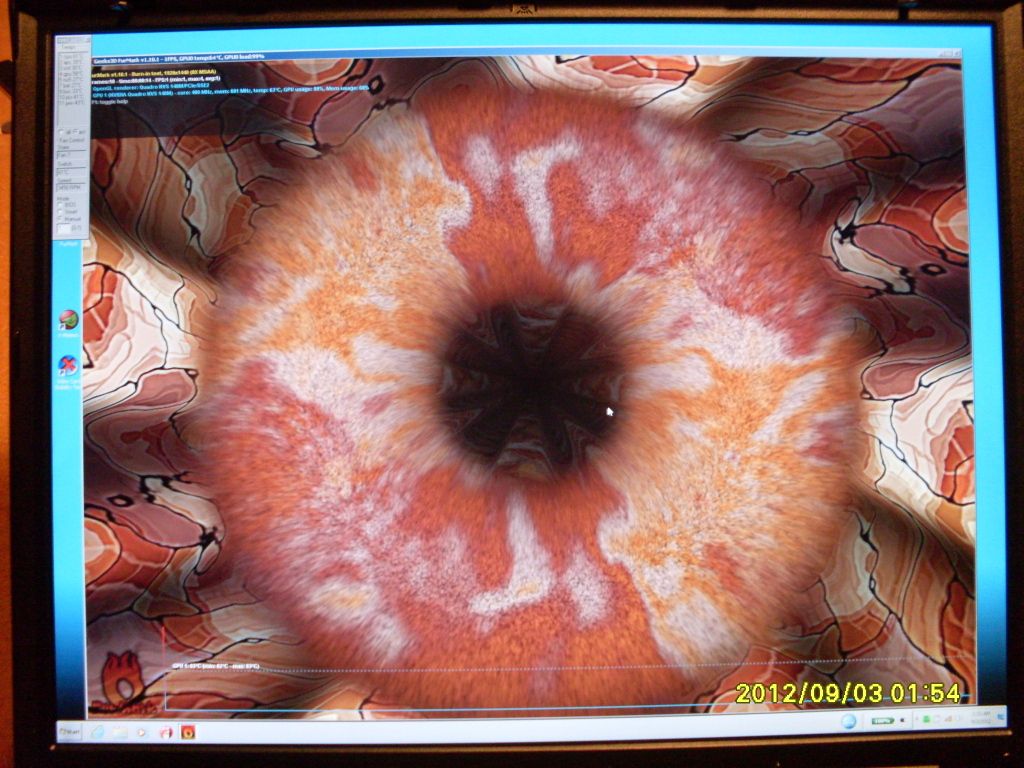
Image

TPF startup page:

Image

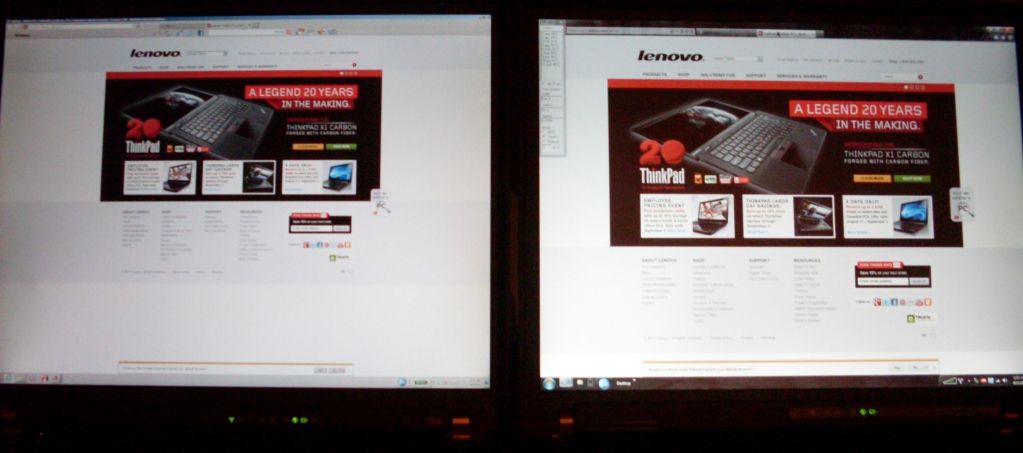
Now, let's dare to compare...this is a random, ordinary web page:
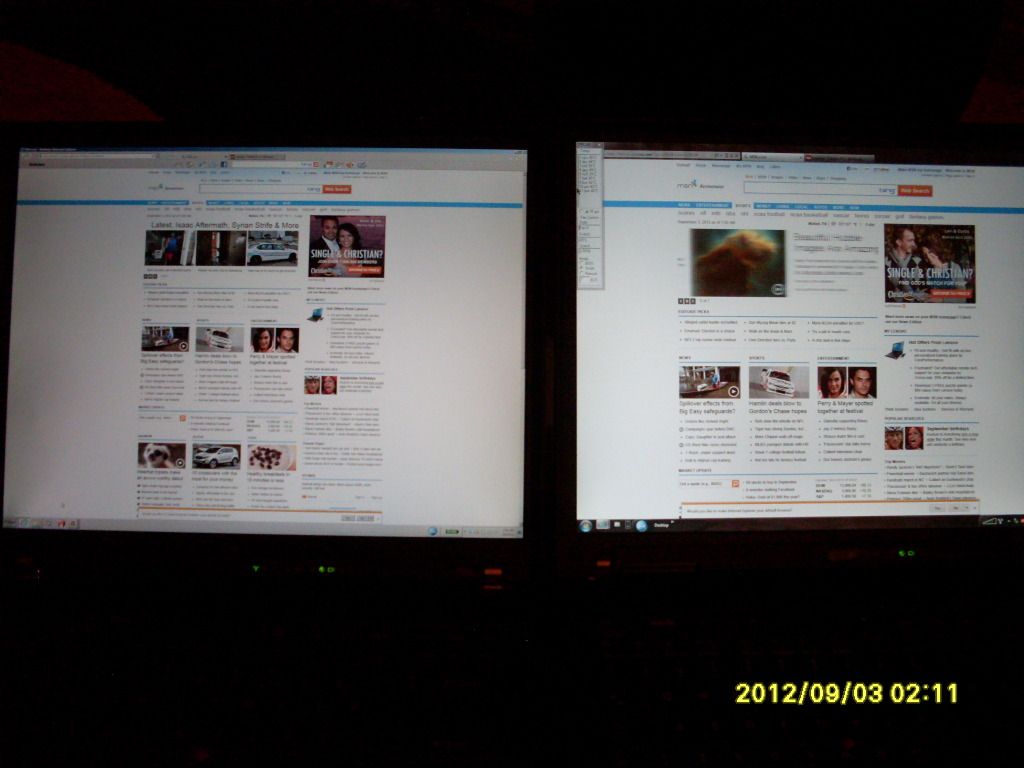
Image

Lenovo's startup page:

Image


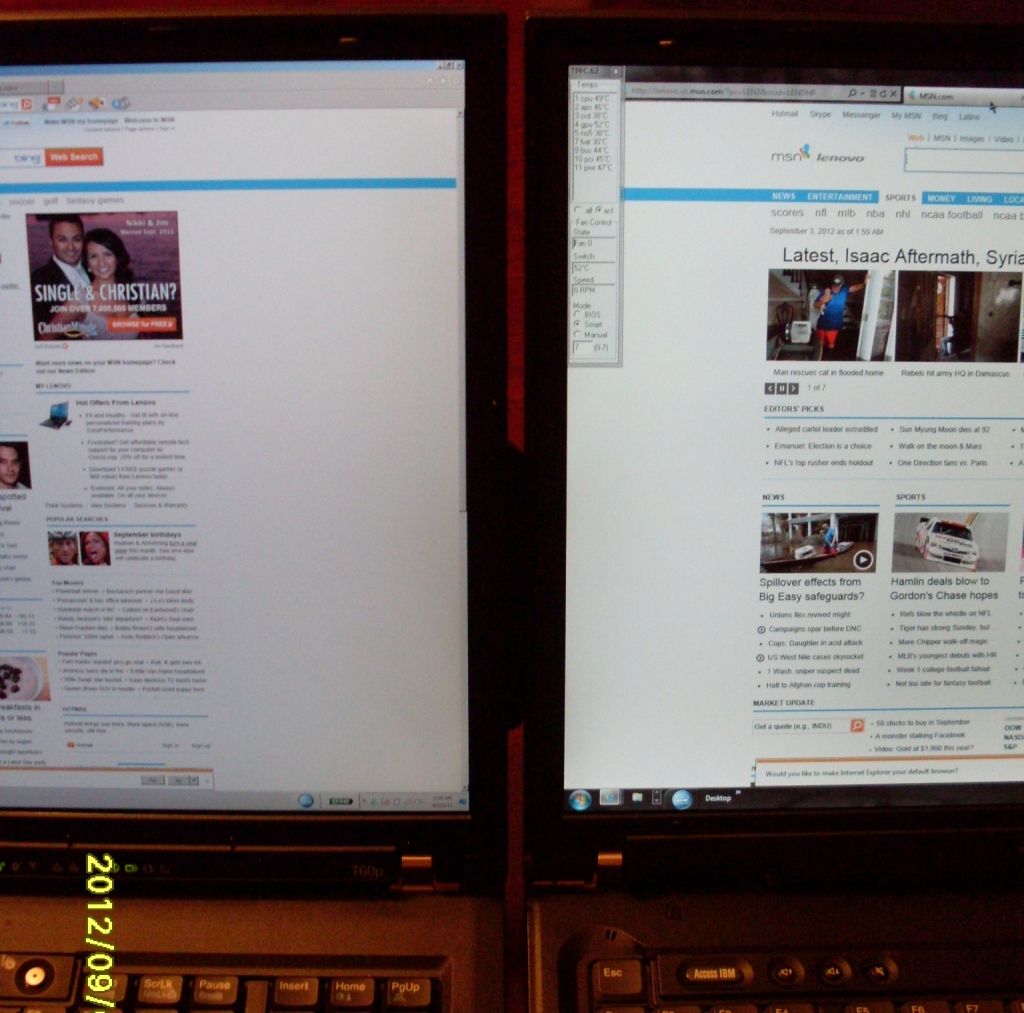
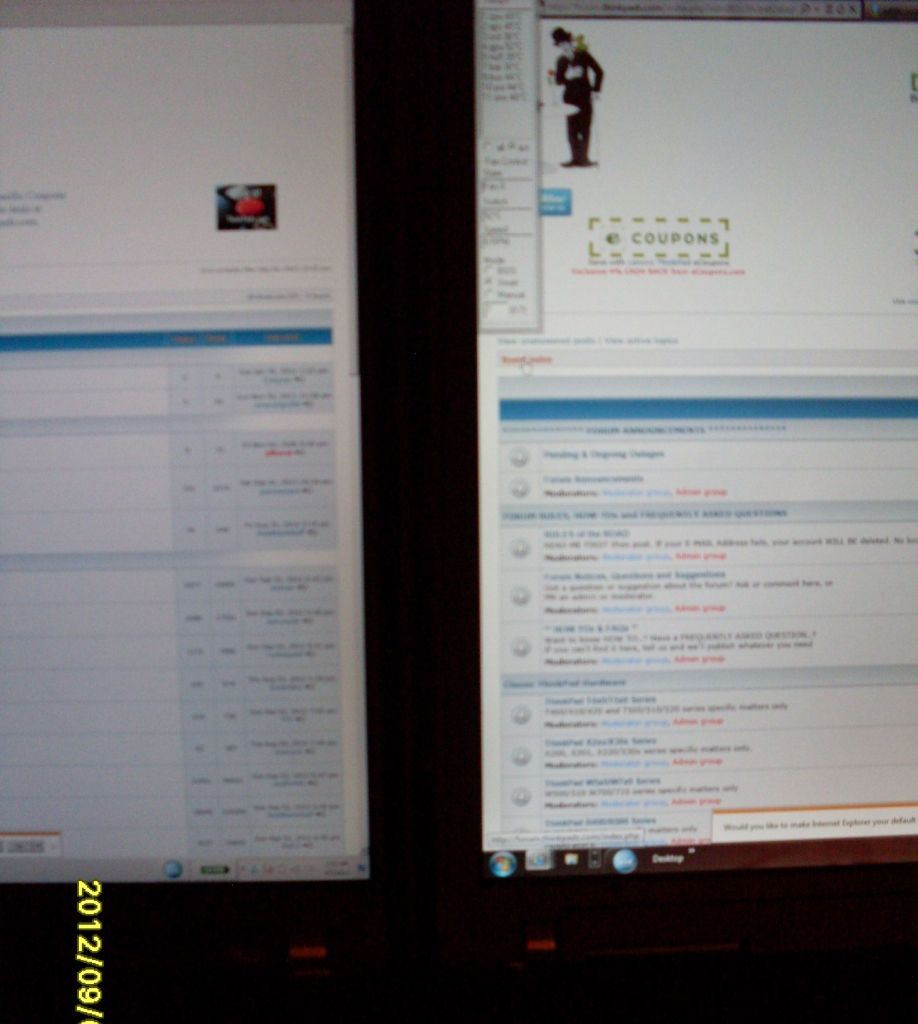
"random" web page closeup:

Image

and another one:

Image

TPF closeup:

Image

and another one:

Image


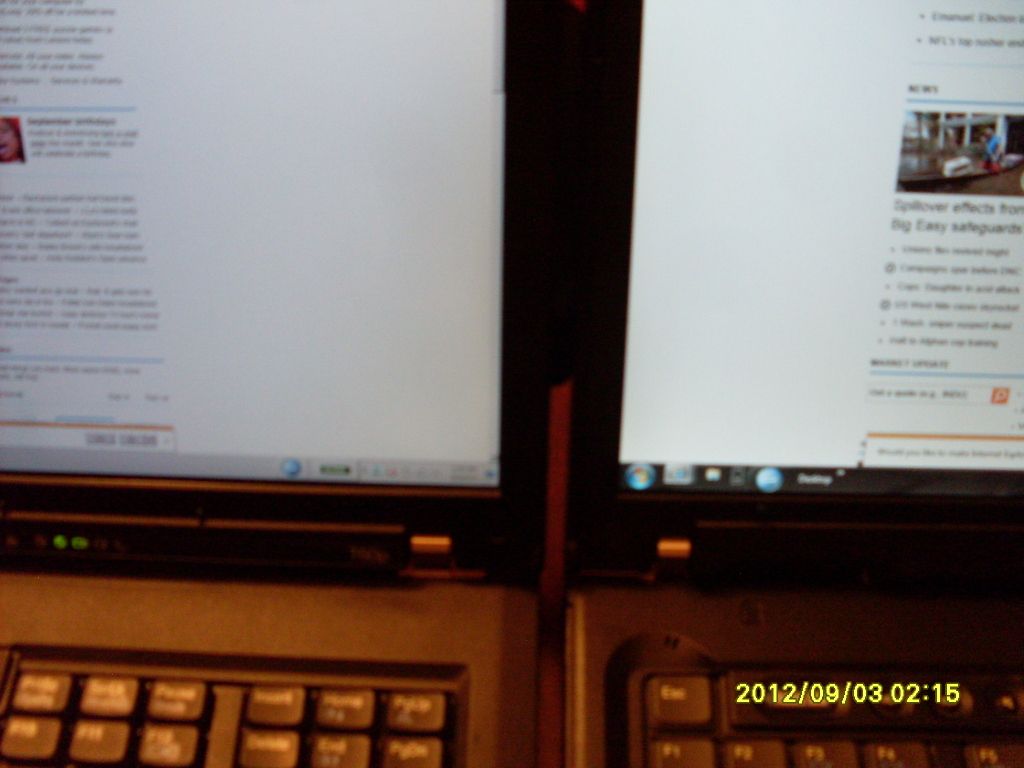
OK, Mr. Antonioni, we're a bit tired from posing for you and would like to go to sleep:
Image

I never argue with my ThinkPads...so that's all - for now anyway - folks... :D

So, which resolution would you pick for your "main" laptop out of these two?
Last edited by ajkula66 on Mon Sep 03, 2012 10:45 pm, edited 2 times in total.
...Knowledge is a deadly friend when no one sets the rules...(King Crimson)

Cheers,

George (your grouchy retired FlexView farmer)

my music if anyone cares: https://www.youtube.com/@TheWaterMemory

PMs requesting personal tech support will be ignored.

ZaZ
Moderator
Moderator
Posts: 4858
Joined: Fri May 13, 2005 1:33 pm
Location: Minnesota

Re: QXGA vs. UXGA - large picture warning

#2 Post by ZaZ » Mon Sep 03, 2012 9:32 pm

ajkula66 wrote:So, which resolution would you pick for your "main" laptop out of these two?
UXGA, it's brighter and has a more palatable 133 pixel density.
ThinkPad L14 - 2.1GHz Ryzen 4650U | 16GB | 256GB | 14" FHD | Win11P
ProBook 470 G5 - 1.6GHz Core i5 | 16GB | 2.2TB | 17" FHD | Mint

Tasurinchi
Moderator
Moderator
Posts: 2156
Joined: Mon Aug 17, 2009 8:38 am
Location: Zurich, Switzerland

Re: QXGA vs. UXGA - several *very large* pictures warning

#3 Post by Tasurinchi » Tue Sep 04, 2012 2:03 am

Nice pics! :thumbs-UP:
IBM Convertible 5140/L40SX/220/240/240X/2*340CSE/360PE/365XD/380D/380E/380XD/380Z/390/560E/560X/2*570/2*600/600E/750Cs/755C/760CD/760EL/760XD/770E
A20p/A22p/A31/i1600/G40/R50p/R61i/S30/SL510/2*T22/4*T4x/11*T6x/6*T40x/6*T5x0/3*W5x0/W700/3*X2x/4*X3x/3*X4x/5*X6x/3*X6xT/12*X2xx/4*X30x/Z60m/3*Z61x

Latios
Freshman Member
Posts: 50
Joined: Tue Jul 31, 2012 7:37 am
Location: Sydney, Australia

Re: QXGA vs. UXGA - several *very large* pictures warning

#4 Post by Latios » Tue Sep 04, 2012 10:07 am

ooh that's amazing.
If I ever had the chance, I'd put it next to the 15" XGA T60 to see the difference

And I think I'd have a hard time deciding. But at the end of the day the QXGA because of how awesome it'd be :o
X61 Tablet 7762-WSF L7700 1.8Ghz, 2GB DDR2, 128GB Crucial M4
L412 4403-CTO i3-380M, 4GB DDR3, ATi 545v, 500GB disk
X220 Tablet 4298-X02 i5-2520M, 4GB DDR3, 120GB Intel 520
X100e 3507-A11 "Mini 10"(2010 DER one) N450, 2GB DDR2, 160GB disk, 10.1" panel with the big bezel

pianowizard
Senior ThinkPadder
Senior ThinkPadder
Posts: 8556
Joined: Tue Jun 28, 2005 5:07 am
Location: Ann Arbor, MI
Contact:

Re: QXGA vs. UXGA - several *very large* pictures warning

#5 Post by pianowizard » Tue Sep 04, 2012 1:34 pm

ajkula66 wrote:Being somewhat of a resolution addict myself, I find the ongoing requests for a HD+ resolution on 10-12" LCDs puzzling...while there most certainly are individuals whose eyesight is good enough for them to benefit from a DPI that high, I'd tend to believe that they are just a very vocal minority...
For the screen sizes in question, 1366x768 yields the following pixel densities:

10.1" --> 155.16 DPI (about the upper limit of my tolerance, so I certainly wouldn't demand HD+ for this size)
11.1" --> 141.18 DPI (such a screen would be very comfortable to view and I would be happy with HD)
11.6" --> 135.09 DPI (this DPI is starting to get a tad low but still okay)
12.1" --> 129.51 DPI (this is almost unacceptable; HD+ would be much nicer at 151.72 DPI)
12.5" --> 125.37 DPI (way too low by modern standards; ZaZ may be the only person I know who actually likes it)
ajkula66 wrote:QXGA on the panel of the same size would prove to be just a bit too much, if I had to use it 24/7/365 as my only machine.
Ahhh, these photos bring back lots of memories! I had two R50p's and one T43p that had QXGA and they were my 24/7/365 machines for about a year, without any external monitors. So it's definitely possible to use them as primary machines, though I can't say I enjoyed the experience.
Dell Latitude 7370 (QHD+, 2.84lb); HP Pavilion x2 12-b096ms (FHD+, 3.14lb); Microsoft Surface 3 (FHD+, 2.00lb);
HP Z440 (Xeon E5-1630 v3); Dell OptiPlex 5040 SFF (Core i5-6600), OptiPlex XE2 (Core i7-4770S)
Acer ET322QK, T272HUL; Crossover 404K; QNIX QHD2410R; Seiki Pro SM40UNP

BillMorrow
*Senior* Admin
*Senior* Admin
Posts: 7673
Joined: Tue Apr 13, 2004 9:40 pm
Location: San Francisco -> Florida -> Georgia
Contact:

Re: QXGA vs. UXGA - several *very large* pictures warning

#6 Post by BillMorrow » Wed Sep 05, 2012 1:45 am

for me, UXGA or WUXGA on a 15 inch or 15+ inch panel..

i do NOT like these 1400 x 800 (or thereabouts) displays..
way way too shallow for the width..
it seems to me thse are made for watching a HD movie.. when most laptopn and thinkpad specifically are used for school or business..

just my 2 cents.. :)
Bill Morrow, kept by parrots :parrot: & cockatoos
Sysop - forum.thinkpads.com

*
She was not what you would call refined,
She was not what you would call unrefined,
She was the type of person who kept a parrot.
~~~Mark Twain~~~

600X
Senior Member
Senior Member
Posts: 803
Joined: Tue May 21, 2013 3:31 am
Location: Raleigh, NC

Re: QXGA vs. UXGA - several *very large* pictures warning

#7 Post by 600X » Wed May 22, 2013 3:26 pm

I'd so take that QXGA screen. Gotta love it for vectoring. You can never have enough pixels when it comes to vectors.

Thanks for the pics!
Daily: Custom Mini-ITX (Ryzen 7, 4070 FE, 3:2)
ThinkPads: 600X (i3), A31p (FlexView), T43, T60 (FlexView), X61 (SXGA+), R61 (QXGA), X301 (AFFS), X1

Medessec
ThinkPadder
ThinkPadder
Posts: 1269
Joined: Sun Nov 15, 2009 10:09 pm
Location: California
Contact:

Re: QXGA vs. UXGA - several *very large* pictures warning

#8 Post by Medessec » Thu May 23, 2013 1:56 am

UXGA all the way in terms of practicality. QXGA on a system like that... you're asking for a desktop resolution on a 15" business-slim laptop. :lol:

It's wicked cool though. I'd love to have a QXGA T60p just to scare my friends. I've gotten used to my 12" SXGA+ X60T, and 1920x1200 on my Sager's 17" screen is absolutely nothing. I've still got good vision, so Pixel density wouldn't be my biggest beef, I just think QXGA would just be too weird on 15" worth of screen.
Hand-on-heart Thinkpad addict with no end to the madness in sight.
701CS, 760ED, X24, A22p, A31p, X32, G41, T43p, X61T SXGA+, X61 SXGA+, T60, T61, T60/61F, X301, W500, W700ds, and that's just the fun stuff.
MEDESSEC

Make crazy the new normal!

Post Reply
  • Similar Topics
    Replies
    Views
    Last post

Return to “Pictures of your ThinkPad & desk setup”

Who is online

Users browsing this forum: No registered users and 24 guests