


 Homepage
 Forum
Forum Drivers
 HMM-Manuals
 MTM
MTM Feed
Feed

I had to change the hard drive of my X230i Tablet, and I would like to know how to re-install Windows 7 Pro on the new hard drive (which does not have the Lenovo recovery partition).
Thank you in advance.

I don't think that W8 or W10 were installed on my X230i Tablet. And I only have the license that is on the sticker, under the battery.davidgurvich wrote: ↑Fri Mar 19, 2021 3:20 pmIt would be easier to install W10. Microsoft offers the installation media on the website. If your system already had W8 or W10 installed there should be a key in the BIOS to automatically license W10. Then just select the version that matches what came on the system.

I would like to re-install W7 Pro for free with the original license (sticker) if it is possible.davidgurvich wrote: ↑Fri Mar 19, 2021 3:20 pmThe alternative requires recovery media that matches X230i. You can order recovery media from Lenovo for a fee.
The serial number of my X230i Tablet gives "This is not a valid Windows machine for the recovery media program.".davidgurvich wrote: ↑Fri Mar 19, 2021 3:20 pmYou could also download recovery media for free if you are taking advantage of the downgrade program but I'm not sure what the requirements for that are.
https://pcsupport.lenovo.com/us/en/prod ... rom-lenovo


 ) and wait 14 days...


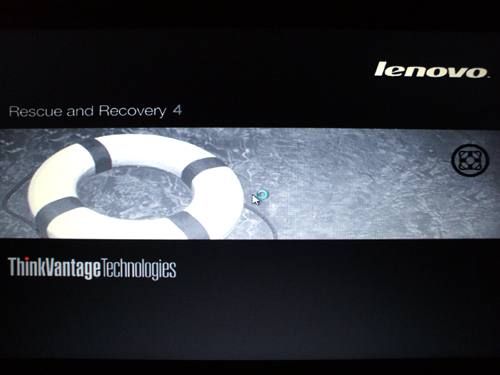 I let it go for a good 15 minutes ...
Your opinion ? What do you think about that ?For Thinkpad models:
X230
X230i
X230 Tablet
X230i Tablet
Type 2306, 2320, 2322, 2324, 2325, 3434-3438
Discs:
0B78414 Win7 Pro SP1 64bit DVD 1/2
0B78415 Win7 Pro SP1 64bit DVD 2/2
0C73317 APPLICATIONS / DRIVERS DVD 1/2
0C73318 APPLICATIONS / DRIVERS DVD 2/2
0C55688 INSTRUCTIONS
Users browsing this forum: No registered users and 24 guests

